AI dashboard
Review current AI-assisted market information.
- Signals and opportunities
- Instrument and direction context
- Strategy state
- Live refresh
- Execute cycle
- Execute top opportunity
Platform Feature
Adds AI-driven trading signals, settings, and execution cycles.
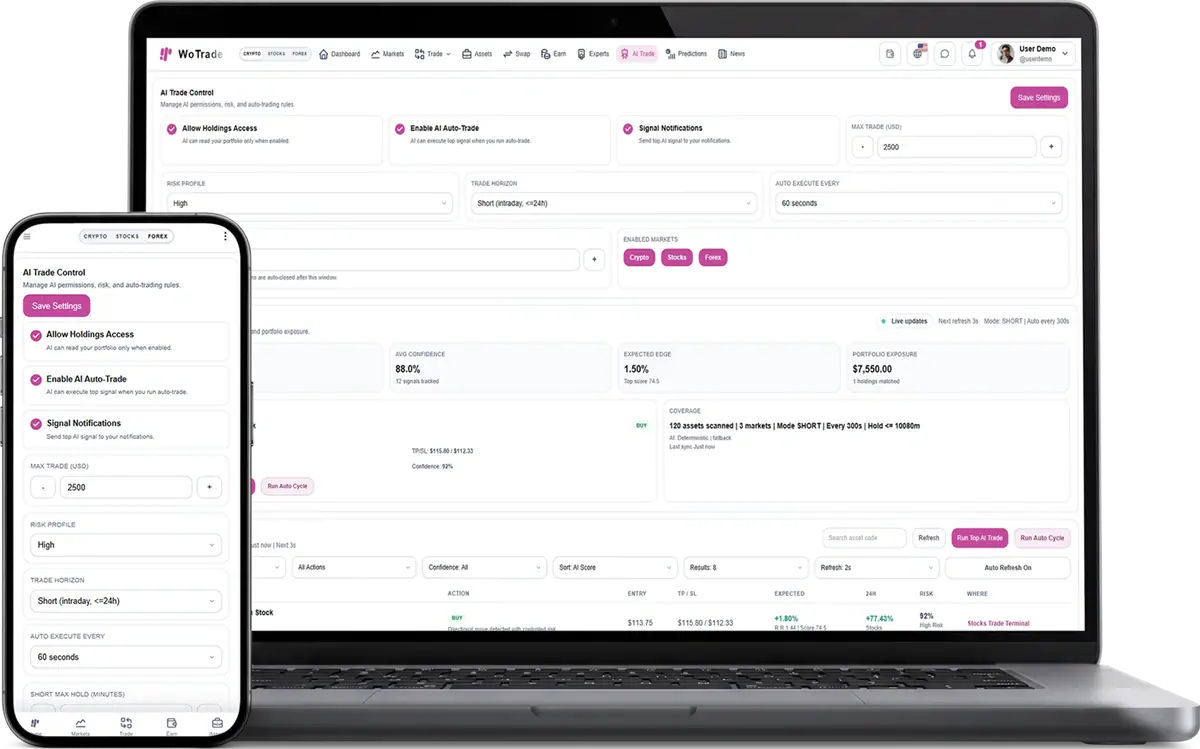
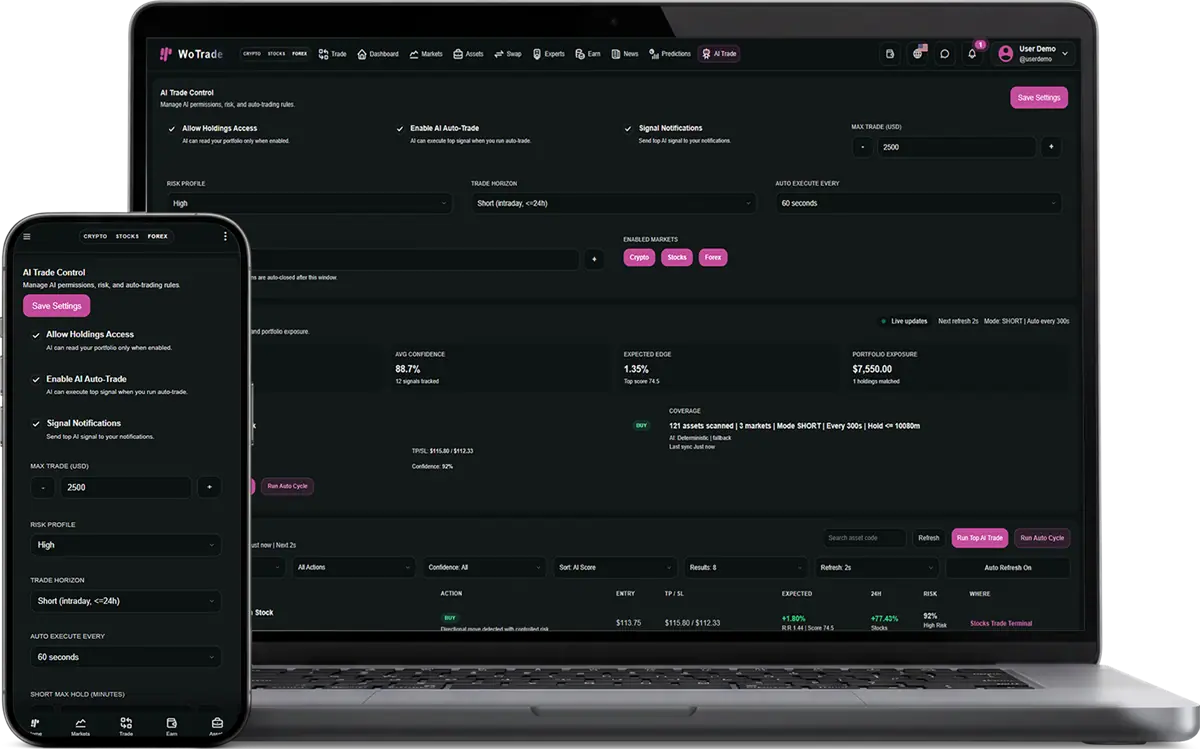
AI Trade adds model- or rule-driven trading signals, customer preferences, strategy settings, live opportunity retrieval, manual execution cycles, top-opportunity execution, notifications, and optional scheduled auto-trading behavior.
Complete interface reference
This reference documents the visible controls and operational behavior included with AI Trade. Exact market values and customer records change at runtime, while the controls and validation flow remain consistent.
Review current AI-assisted market information.
Control how the module behaves for an account.
Run configured AI cycles.
Customer configures preferences and strategy boundaries.
The service retrieves current signals or opportunities.
Customer manually executes or permits a configured scheduled cycle.
Validation checks plugin, account, balance, and strategy state.
Resulting actions and notifications are recorded.
Can I sell this plugin to only one specific client?
Yes. The plugin can be attached to one purchase, one client account, and one handoff flow instead of being enabled for every customer.
Can the client enable it without paying?
No. Paid plugins are designed to require purchase verification before they stay enabled in WoTrade.
Does this plugin operate the client business for them?
No. It provides software screens and workflows. The client remains responsible for legal compliance, marketing claims, users, and business operations.
Common questions about adding, licensing, and using this plugin.
Choose the product or service that fits your needs, create an account, and follow the checkout or onboarding steps.
Yes. Contact support with your requirements and questions before you place an order.
Sign in to your dashboard to manage purchases, services, downloads, and support requests.
Available payment methods are shown during checkout and may vary by product or location.
Yes. You will receive an order confirmation and can review the purchase from your account dashboard.
Access is normally provided after payment is confirmed. Products requiring setup may include an additional delivery timeline.
Yes. Use the support area in your account to contact the team about your purchase or service.
Each product page explains its included features, pricing, delivery method, and any specific requirements.
WoPixel Support
AI assistant online · Human follow-up availableThe chat will close and its history will be cleared from this device. You can start a new conversation anytime.