Buy on Gumroad · $89.00
Stock market list
Explore the stock instruments enabled by the administrator.
- Search symbols and company names
- Review logo, symbol, price, and movement
- Favorite or unfavorite a stock
- Open stock details and supported actions
Market Plugin
Adds stock market pages, stock symbols, and stock-focused terminal entry points.
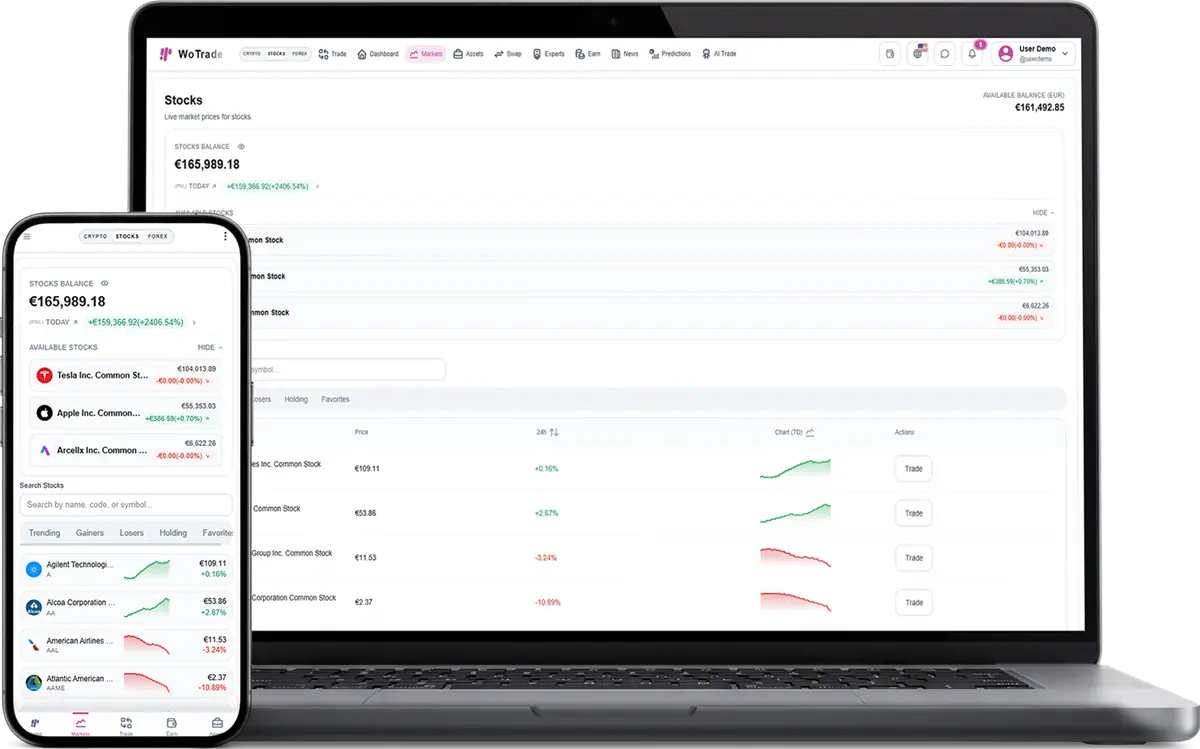
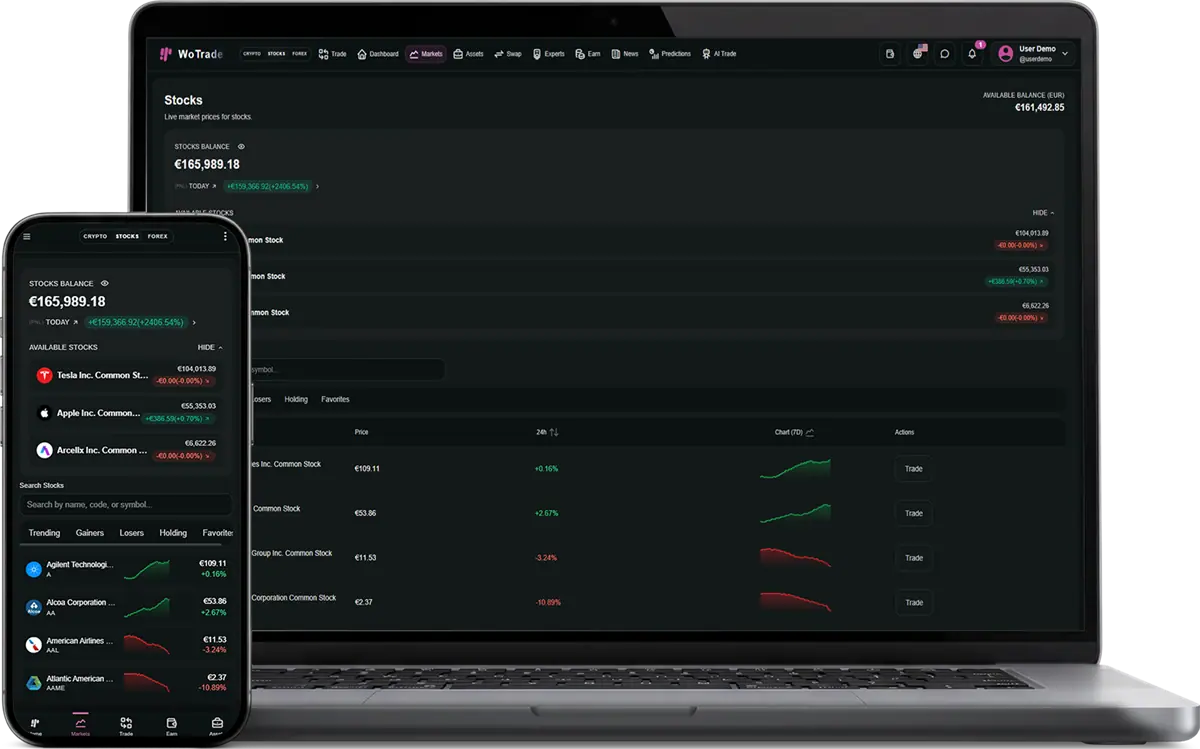
Stocks Market adds stock-symbol discovery, live market presentation, favorites, asset-value reporting, and administrator catalog controls. Customers receive a stock-focused experience that remains consistent with WoTrade cryptocurrency and forex screens, while staff control which instruments appear.
Complete interface reference
This reference documents the visible controls and operational behavior included with Stocks Market. Exact market values and customer records change at runtime, while the controls and validation flow remain consistent.
Explore the stock instruments enabled by the administrator.
Maintain the available stock catalog.
Present stock activity in customer reporting.
Staff selects the supported stock universe.
Customer discovers or favorites a symbol.
Live data and asset information are displayed.
Customer uses an available order action.
Position value and PnL return to the portfolio.
Can I sell this plugin to only one specific client?
Yes. The plugin can be attached to one purchase, one client account, and one handoff flow instead of being enabled for every customer.
Can the client enable it without paying?
Free plugins can still be controlled by the package selection and admin plugin state.
Does this plugin operate the client business for them?
No. It provides software screens and workflows. The client remains responsible for legal compliance, marketing claims, users, and business operations.
Common questions about adding, licensing, and using this plugin.
Choose the product or service that fits your needs, create an account, and follow the checkout or onboarding steps.
Yes. Contact support with your requirements and questions before you place an order.
Sign in to your dashboard to manage purchases, services, downloads, and support requests.
Available payment methods are shown during checkout and may vary by product or location.
Yes. You will receive an order confirmation and can review the purchase from your account dashboard.
Access is normally provided after payment is confirmed. Products requiring setup may include an additional delivery timeline.
Yes. Use the support area in your account to contact the team about your purchase or service.
Each product page explains its included features, pricing, delivery method, and any specific requirements.
WoPixel Support
AI assistant online · Human follow-up availableThe chat will close and its history will be cleared from this device. You can start a new conversation anytime.