Market Plugin

Crypto Market

Adds cryptocurrency market pages, watchlists, asset details, and terminal entry points.

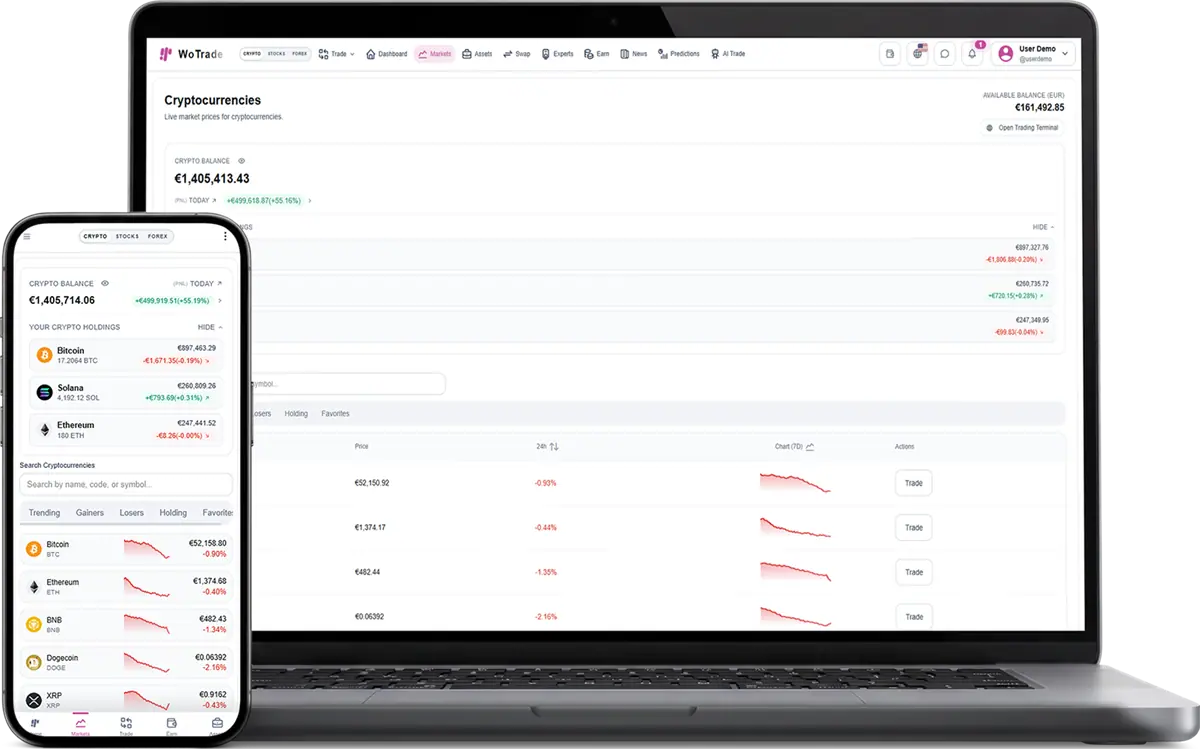
Crypto Market screenshot in light mode

What this plugin does

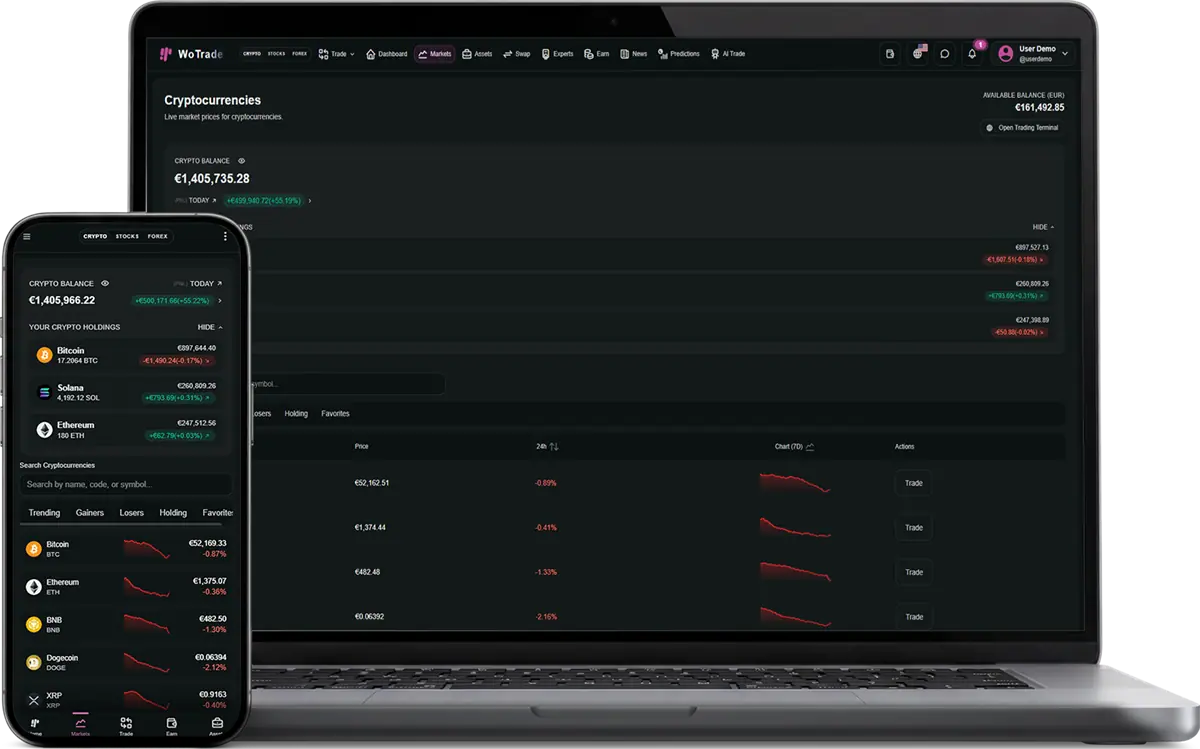
Crypto Market is the base market layer for crypto-focused WoTrade installs. It gives clients crypto pages, market data surfaces, asset navigation, and the entry points used by crypto trading methods.

Included capabilities

Cryptocurrency market pages and asset browsing.
Watchlist-ready crypto symbols and market presentation.
Shared market screens used by spot, futures, and binary options flows.
Terminal entry points for crypto trade actions when trading plugins are active.

Good fit for

Launch a crypto-only trading website.
Offer crypto markets as the included default market package.
Use it as the required base for crypto trading plugins.

Delivered surfaces

Market navigation entries and instrument listing pages.
Asset detail screens that connect into available trading methods.
Dashboard and terminal entry points for the selected market type.

Sales and package notes

This can be included in a base package or used as a free value-add in larger bundles.
The client can see the plugin in WoTrade, but activation can be controlled from WoPixel purchase and subscriber data.
The plugin detail page can be used before checkout to explain why the client should add it.

Control points

WoPixel checkout records the selected plugin on the purchase.
WoPixel subscriber management can grant, revoke, or review access after payment.
WoTrade reads plugin state and purchase-code verification before exposing protected features.
Disabled or unlicensed paid plugins remain blocked even if a client tries to toggle them locally.

Client questions

Can I sell this plugin to only one specific client?

Yes. The plugin can be attached to one purchase, one client account, and one handoff flow instead of being enabled for every customer.

Can the client enable it without paying?

Free plugins can still be controlled by the package selection and admin plugin state.

Does this plugin operate the client business for them?

No. It provides software screens and workflows. The client remains responsible for legal compliance, marketing claims, users, and business operations.

Admin notes

Included market plugin and normally enabled by default.
Required by Spot Trading, Futures Trading, and Binary Options.
FAQ

Plugin questions

Common questions about adding, licensing, and using this plugin.

01 What do I receive with a source-code purchase?

You receive the source-code package and the documentation or delivery details listed on the product page.

02 Can I customize the source code?

Yes, subject to the product license. Review the license and product details before purchasing.

03 Are installation and updates included?

Installation, support, and update terms vary by product and are described on its product page.

04 How do I get started?

Choose the product or service that fits your needs, create an account, and follow the checkout or onboarding steps.

05 Can I contact support before purchasing?

Yes. Contact support with your requirements and questions before you place an order.

06 Where can I manage my purchases?

Sign in to your dashboard to manage purchases, services, downloads, and support requests.

07 Which payment methods are available?

Available payment methods are shown during checkout and may vary by product or location.

08 Will I receive confirmation after purchasing?

Yes. You will receive an order confirmation and can review the purchase from your account dashboard.