Buy on Gumroad · $65.00
Swap form
Prepare an asset conversion.
- From asset selector
- To asset selector
- Amount input
- Maximum available amount action
- Reverse asset direction
Platform Feature
Adds an asset swap terminal with quote and execution-style screens.
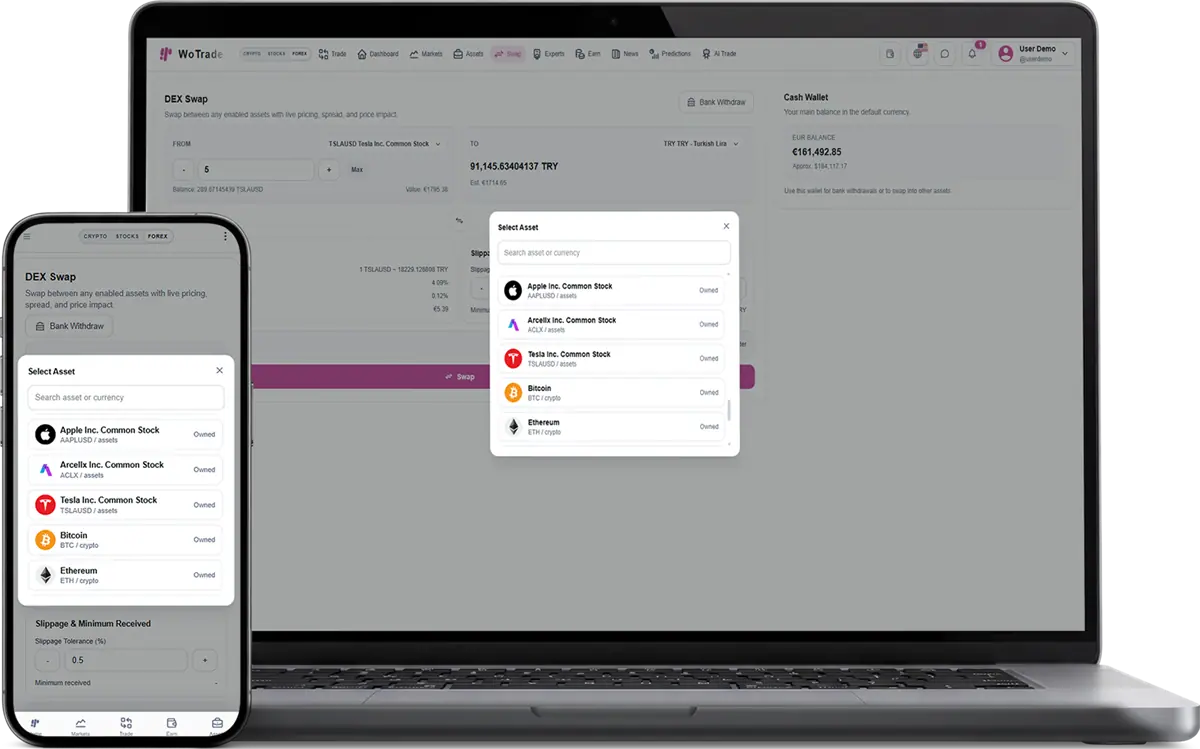
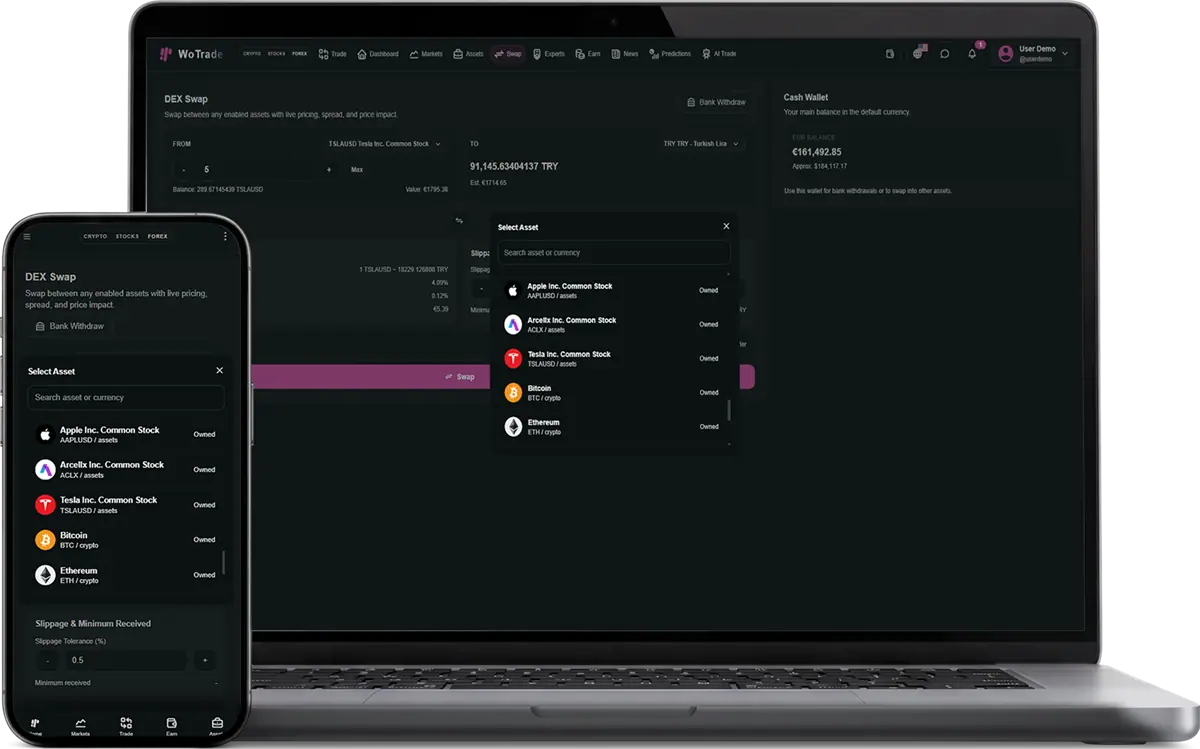
Swap adds a focused asset-conversion terminal. Customers select source and destination assets, enter an amount, request a quote, review the estimated receive amount and applicable conversion context, confirm execution, and retain the completed swap in transaction history.
Complete interface reference
This reference documents the visible controls and operational behavior included with Swap. Exact market values and customer records change at runtime, while the controls and validation flow remain consistent.
Prepare an asset conversion.
Review conversion details before execution.
Confirm and record the conversion.
Customer selects two different supported assets.
Customer enters an amount within the available balance.
The platform returns a current quote and estimated result.
Customer confirms before the quote becomes stale.
Balances and transaction history update after execution.
Can I sell this plugin to only one specific client?
Yes. The plugin can be attached to one purchase, one client account, and one handoff flow instead of being enabled for every customer.
Can the client enable it without paying?
Free plugins can still be controlled by the package selection and admin plugin state.
Does this plugin operate the client business for them?
No. It provides software screens and workflows. The client remains responsible for legal compliance, marketing claims, users, and business operations.
Common questions about adding, licensing, and using this plugin.
Choose the product or service that fits your needs, create an account, and follow the checkout or onboarding steps.
Yes. Contact support with your requirements and questions before you place an order.
Sign in to your dashboard to manage purchases, services, downloads, and support requests.
Available payment methods are shown during checkout and may vary by product or location.
Yes. You will receive an order confirmation and can review the purchase from your account dashboard.
Access is normally provided after payment is confirmed. Products requiring setup may include an additional delivery timeline.
Yes. Use the support area in your account to contact the team about your purchase or service.
Each product page explains its included features, pricing, delivery method, and any specific requirements.
WoPixel Support
AI assistant online · Human follow-up availableThe chat will close and its history will be cleared from this device. You can start a new conversation anytime.